

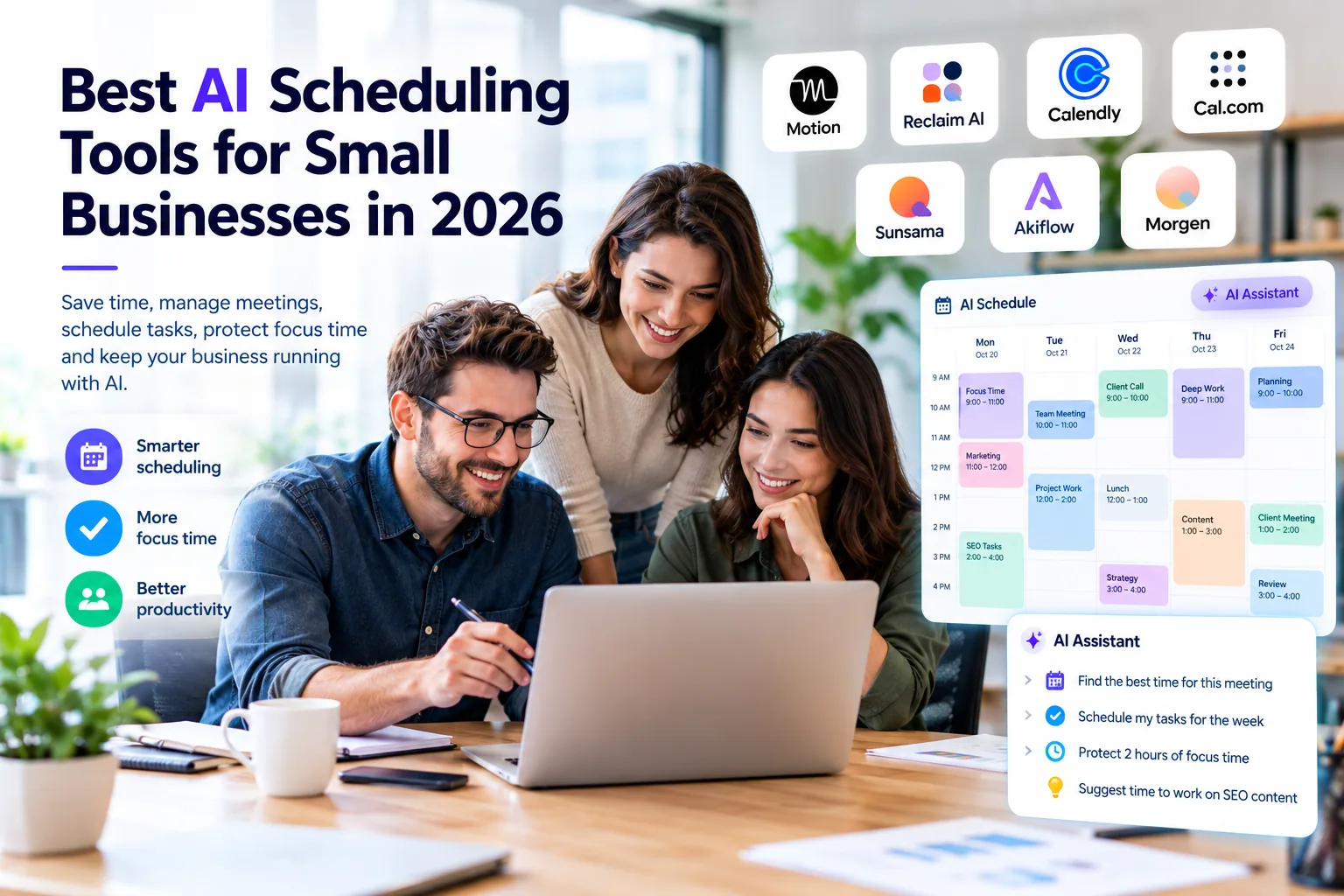
Managing appointments, project deadlines, meetings, and uninterrupted work can become difficult when a small business has a packed calendar. The best AI scheduling tools for small businesses can help with different parts of this problem, from automatically placing tasks into available hours to letting clients book appointments without lengthy email exchanges.
Not every scheduling platform does the same job. Motion and Reclaim focus on organizing work time, Calendly and Cal.com focus on external bookings, and Sunsama, Akiflow, and Morgen emphasize planning tasks alongside calendars. This guide compares seven options, their practical limitations, and which kind of business each may suit.
Quick Picks – Best AI Scheduling Tools for Small Businesses
| Tool | Best for | Scheduling approach | Published starting price |
| Motion | Automatic task scheduling | Work calendar and tasks | From $19/seat/month, annual team pricing |
| Reclaim AI | Protecting focus time | Calendar optimization | Free; paid plans available |
| Calendly | Client appointments | Booking links and routing | Free; Standard $10/seat/month annually |
| Cal.com | Customizable bookings | Appointment infrastructure | Free; Teams $12/user/month annually |
| Sunsama | Intentional daily planning | Guided timeboxing | $17/month billed annually |
| Akiflow | Fast task capture | Tasks and calendar | $19/month billed annually |
| Morgen | Multiple calendars | AI-assisted daily planning | $15/month billed annually |
Prices are in USD, and annual rates generally require an annual commitment. Features, add-ons, regional pricing, and trials may change; verify the official plan before subscribing.
What Are AI Scheduling Tools?
AI scheduling tools are software applications that use automation or AI-assisted planning to help people organize calendars, meetings, tasks, and availability. Some automatically reserve time for tasks based on deadlines and priorities. Others suggest a schedule for user approval, protect focus blocks, or help book meetings. Booking automation by itself should not be confused with AI-driven task planning.
How AI Scheduling Works
A work-focused scheduling tool typically connects a calendar, receives tasks and estimated durations, checks availability and priorities, and then suggests or places work into open time blocks. When commitments change, certain products can adjust task blocks. The amount of automation varies significantly: some systems reschedule automatically, while others require the user to accept a proposed plan.
AI Scheduling vs. Traditional Scheduling
| Activity | Traditional approach | AI-assisted approach |
| Task time-blocking | Place work manually | Automatically place or suggest blocks, depending on product |
| Focus time | Create calendar blocks yourself | Some tools defend and move focus blocks |
| Client meetings | Exchange emails or share availability | Booking pages and automated routing |
| Changes to plans | Move tasks manually | Some tools reschedule; others request approval |
| Decisions | Human judgment | Human judgment remains necessary |
AI Scheduling vs. Appointment Scheduling
AI Calendar and Work Scheduling
Motion and Reclaim AI help answer when should the work happen? They can make room for writing, project delivery, analysis, or recurring routines among meetings. They are most relevant when your problem is workload organization rather than simply finding an open meeting slot.
Appointment and Meeting Scheduling
Calendly and Cal.com help answer when can someone book a meeting with us? They provide booking pages, availability rules, and, on supported plans, team scheduling or routing. These features are useful for consultations, discovery calls, interviews, and client onboarding.
Which Type Does Your Business Need?
A consultant who spends time coordinating sales calls may need Calendly or Cal.com. A freelancer who regularly misses deep-work blocks may benefit more from Reclaim or Motion. A business with both problems might use an appointment scheduler for clients and a work scheduler for internal delivery.
Best AI Scheduling Tools for Small Businesses in 2026
1. Motion – Best for AI Task and Calendar Scheduling
Motion combines task and project management with calendar planning. It is particularly relevant when deadlines and meetings compete for the same hours.
Key Features
- Automatically places tasks into calendar time
- Adjusts work plans as priorities and availability change
- Combines tasks, projects, calendars, and meeting tools
Best Use Cases
Consultants and small teams handling frequent deadline changes or multiple active projects.
Pricing
Published annual team pricing starts at $19 per seat/month for Pro AI and $29 per seat/month for Business AI. Individual pricing, monthly billing, and seat requirements may differ.
Pros and Limitations
Strength: More automation can reduce manual time-blocking; project tasks and schedules sit together. Limitation: Requires realistic task estimates and careful review of priorities. It can be more expensive than a basic calendar or booking service.
View official pricing and features.
2. Reclaim AI – Best for Focus Time and Calendar Optimization
Reclaim works alongside existing calendars to reserve time for focused work, habits, breaks, and meetings. It is an optimization layer rather than a full project-management replacement.
Key Features
- Focus Time and Habits scheduling
- Smart Meetings and buffer-time features
- Calendar syncing and supported task integrations
Best Use Cases
Small teams that want to protect work hours while remaining available for meetings.
Pricing
Reclaim offers a free plan and paid Starter, Business, and Enterprise options. Paid prices and agent allowances vary with billing and plan selection; check the current pricing page.
Pros and Limitations
Strength: Can fit into an existing calendar workflow without requiring an entirely new project board. Limitation: Free-plan limits apply, and integration or meeting features may require paid plans.
View official pricing and features.
3. Calendly – Best for Client Appointment Booking
Calendly helps customers and prospects book available time through scheduling links. Its central value is external meeting coordination, not autonomous task scheduling.
Key Features
- Booking pages and event types
- Automated reminders and team scheduling on eligible plans
- Callie email scheduling assistant and Notetaker on supported add-on packages
Best Use Cases
Sales calls, consultations, interviews, and customer appointments.
Pricing
The Free plan supports one event type. Standard starts at $10 per seat/month billed annually. Callie and Notetaker are not automatically included in every Standard subscription.
Pros and Limitations
Strength: Simple booking experience and useful integrations for client-facing workflows. Limitation: Does not plan internal task execution. Team routing and AI assistance depend on plan or add-on.
View official pricing and features.
4. Cal.com – Best for Flexible Appointment Scheduling
Cal.com provides customizable scheduling pages, team booking capabilities, and integration options. Its developer-friendly approach can suit businesses that need a tailored booking flow.
Key Features
- Unlimited individual event types on the free plan
- Team round-robin and routing on eligible paid plans
- APIs, webhooks, and integrations; AI-agent functionality should be checked separately
Best Use Cases
Businesses that need customizable client bookings, forms, or integration with their own software.
Pricing
The Individuals plan is free; Teams starts at $12 per user/month billed annually, and Organizations starts at $28 per user/month annually.
Pros and Limitations
Strength: Flexible free individual booking and customization options. Limitation: Advanced routing, branding removal, and organization controls require eligible plans. Self-hosting and data-control claims should be checked against the chosen deployment.
View official pricing and features.
5. Sunsama – Best for Guided Daily Planning
Sunsama emphasizes a deliberate daily planning routine. Users can bring tasks and calendar commitments together, estimate work, and choose what realistically fits in a day.
Key Features
- Guided daily and weekly planning
- Timeboxing alongside calendar events
- Task integrations and a focus on manageable daily workloads
Best Use Cases
Founders and professionals who prefer to review and build their daily schedule themselves.
Pricing
The official pricing page lists $17 per month billed annually and a 14-day free trial. Check the checkout page for the current monthly option.
Pros and Limitations
Strength: Encourages thoughtful planning rather than filling every available hour. Limitation: Not a substitute for fully autonomous task rescheduling. Avoid assuming it predicts task duration using historical data.
View official pricing and features.
6. Akiflow – Best for Task-to-Calendar Workflows
Akiflow is built around quickly collecting tasks from different tools and placing them on a calendar. Its keyboard-focused workflow appeals to people who manage a high volume of daily tasks.
Key Features
- Quick task capture and integrations
- Timeblocking and daily planning
- Aki AI assistant and MCP connector in Pro
Best Use Cases
Power users, consultants, and agency professionals who want fast task capture and calendar planning.
Pricing
$19 per month billed annually or $34 per month billed monthly. There is a seven-day trial; the vendor says a payment card is required. Its AI Meeting Assistant is a separate paid add-on.
Pros and Limitations
Strength: Fast task capture and a consolidated task/calendar view. Limitation: Requires active planning and has no permanent free plan. Do not confuse the optional meeting add-on with the included Aki assistant.
View official pricing and features.
7. Morgen – Best for Unified Calendars and AI-Assisted Planning
Morgen brings multiple calendars and tasks into a single planning view. Its AI Planner can suggest time blocks, while users retain control over applying the proposed schedule.
Key Features
- AI-assisted planning with user approval
- Calendar and task consolidation
- Time templates and booking links
Best Use Cases
Consultants or business owners juggling multiple work and personal calendars.
Pricing
Published individual pricing starts at $15 per month billed annually. Team and monthly options are priced separately; check the current pricing page.
Pros and Limitations
Strength: Useful when several calendar accounts need to be coordinated in one place. Limitation: AI suggestions are not the same as automatic continuous replanning, and some team features require additional seats.
View official pricing and features.
AI Scheduling Tools Comparison
| Tool | Automatically schedules work? | Client booking? | Free plan? |
| Motion | Yes, supported task scheduling | Yes | No permanent free plan |
| Reclaim AI | Yes, for supported focus, habit, and task workflows | Scheduling links | Yes |
| Calendly | No internal task planning | Yes | Yes |
| Cal.com | No internal task planning | Yes | Yes |
| Sunsama | Primarily guided/manual planning | Limited scheduling options | No |
| Akiflow | Task planning with user control | Availability sharing | No |
| Morgen | AI suggestions with user approval | Yes | No |
Which AI Scheduling Tool Should You Choose?
- Solopreneurs: Motion for automated task planning; Morgen if combining multiple calendars is the priority.
- Freelancers: Reclaim for protected focus time, or Cal.com for client bookings.
- Agencies: Consider Motion for internal delivery and Calendly for inbound consultations; two subscriptions are not always necessary.
- Client meetings: Calendly for straightforward booking and team workflows.
- Focus time: Reclaim AI for flexible focus blocks and habits.
- Daily planning: Sunsama for a guided routine; Akiflow for fast task capture.
- Custom booking workflows: Cal.com for flexible configuration and integrations.
Best Free AI Scheduling Tools for Small Businesses
Reclaim AI has a free calendar-optimization plan, while Calendly and Cal.com offer free appointment-booking options. These are different kinds of free tools: booking automation does not necessarily include AI-powered work scheduling. Motion, Sunsama, Akiflow, and Morgen primarily use paid subscriptions or trials. Check each free plan’s current event-type, calendar, agent, and team limits.
How Small Businesses Can Use AI Scheduling
- Client consultations: Share booking links with availability and buffer rules.
- Deep work: Reserve uninterrupted blocks for proposals, analysis, design, or writing.
- Marketing: Set time aside for campaigns, email newsletters, and creative reviews.
- SEO: Block time for audits, keyword research, content updates, and reporting.
- Sales: Coordinate discovery calls and demos using booking forms and routing.
- Recurring operations: Reserve time for invoicing, bookkeeping, and internal reviews.
- Remote teams: Check time zones and shared availability before booking meetings.
- Changing priorities: Use supported rescheduling tools while keeping human oversight over commitments.
Using AI Scheduling for Marketing and SEO
A small SEO agency can use calendar planning to protect the work that often gets displaced by meetings. For example, Monday could be reserved for research and client planning, Tuesday for writing and editing, Wednesday for technical SEO and outreach, Thursday for analytics, and Friday for reporting and operational reviews. The exact time blocks should be adjusted to deadlines and real client commitments.
Scheduling works best alongside a clear project workflow. Read our Best AI Project Management Tools for Small Businesses in 2026 guide for project coordination. For specialized workflows, see Best AI SEO Tools for Small Businesses in 2026 and Best AI Writing Tools for Small Businesses in 2026.
How to Choose the Best AI Scheduling Tool
- Identify the bottleneck: Is it client booking, missed deadlines, or fragmented focus time?
- Choose the category: Work scheduler, appointment scheduler, or daily planner.
- Check calendars: Confirm support for your Google, Microsoft, Apple, or other accounts.
- Review task integrations: See whether the tool connects to your current project software.
- Test AI behavior: Does it move tasks automatically or ask you to approve suggestions?
- Compare full costs: Include annual commitments, seats, add-ons, and AI usage.
- Check team needs: Look at shared calendars, routing, permissions, and booking workflows.
- Run a pilot: Try a realistic week before migrating all work.
Common AI Scheduling Mistakes
- Expecting a client-booking app to manage internal projects.
- Assuming every calendar feature uses AI.
- Ignoring plan-specific AI limits and paid add-ons.
- Allowing automated changes without checking important deadlines or client commitments.
- Overloading the calendar with unrealistic task estimates.
- Forgetting time zones, buffer periods, and multiple calendar accounts.
- Buying a complex platform when a free calendar and booking link would be sufficient.
Are AI Scheduling Tools Worth It for Small Businesses?
They can be worthwhile when meeting coordination, calendar conflicts, and task replanning consume meaningful time. The value is less obvious for businesses with a simple schedule and few appointments. Rather than assuming a particular number of hours saved, track the time spent coordinating meetings, missed deadlines, and subscription costs during a trial. A scheduling tool should simplify an existing process, not create a second system that needs constant maintenance.
Frequently Asked Questions
What is the best AI scheduling tool for small businesses?
Motion is worth considering for automatic task scheduling, Reclaim for focus-time protection, and Calendly or Cal.com for client bookings. The best choice depends on the problem you need to solve.
Is there a free AI scheduling tool?
Reclaim AI has a free plan for supported calendar-optimization features. Calendly and Cal.com have free booking plans, although booking automation is not the same as autonomous AI task scheduling.
What is the best AI scheduling tool for meetings?
Calendly and Cal.com are strong options for external meeting booking. Reclaim AI can be more relevant for organizing recurring internal meetings and focus time.
What is the best AI calendar assistant?
Reclaim AI and Motion are useful candidates for calendar optimization and task scheduling. Morgen is an alternative for people who want to review AI-generated planning suggestions.
Can AI automatically schedule tasks?
Yes. Some tools, including Motion and Reclaim, can place supported tasks into available calendar time. The degree of automation and integration depends on the product and plan.
Can AI scheduling tools manage appointments?
Yes. Calendly and Cal.com support appointment-booking workflows, while some calendar planners also provide booking links. Not all appointment booking requires AI.
What is the difference between Calendly and Motion?
Calendly focuses on letting other people book meetings with you. Motion focuses on organizing tasks and work around calendar commitments.
What is the difference between Motion and Reclaim AI?
Motion combines work and project management with task scheduling. Reclaim focuses on optimizing an existing calendar with focus time, habits, meetings, and supported integrations.
Can AI scheduling tools work with Google Calendar?
Many do, including the seven tools compared here, but account permissions, sync direction, and other calendar support vary. Confirm the current integration details before purchasing.
Are AI scheduling tools worth it for small businesses?
They may be valuable for busy teams and professionals who repeatedly reschedule work or coordinate meetings. Simple schedules may not justify a paid subscription.
Related AI Tools Guides
- Best AI Productivity Tools for Small Businesses in 2026
- Best Free AI Tools for Small Business Owners in 2026
- Best AI Automation Tools for Small Businesses in 2026
- Best AI Marketing Tools for Small Businesses in 2026
- What Are AI Tools for Small Businesses? A Beginner’s Guide (2026)
Final Thoughts
The best AI scheduling tools for small businesses address different needs. Motion and Reclaim can help organize work time; Calendly and Cal.com simplify external bookings; and Sunsama, Akiflow, and Morgen support more deliberate task and calendar planning. Start with your most frustrating scheduling problem, compare the relevant products, and test a real workflow before committing. Keep human judgment in charge of priorities and important appointments.