

AI productivity tools have become practical business software for small businesses—not just experimental technology. The right tool can help a small team organize projects, summarize meetings, draft emails, manage schedules, research information, and create business content faster.
But more AI tools do not automatically mean more productivity. The best choice depends on the specific problem you want to solve, the software your business already uses, your team size, and how much control you want over AI-generated work.
In this guide, we compare the best AI productivity tools for small businesses in 2026, including ChatGPT, Notion AI, ClickUp, Microsoft 365 Copilot, Google Workspace with Gemini, Otter.ai, Grammarly, and Motion. We also explain which tools are best for different business needs, how to choose the right platform, and how to build practical AI productivity workflows.
Quick Picks: Best AI Productivity Tools for Small Businesses
| Tool | Best For | Key Productivity Capability | Starting Price |
|---|---|---|---|
| ChatGPT | General business productivity | Research, writing, analysis, brainstorming, and data work | Plus from $20/month; Business from $20/user/month annually |
| Notion AI | Knowledge management | Documents, workspace search, summaries, and drafting | Business from $20/member/month |
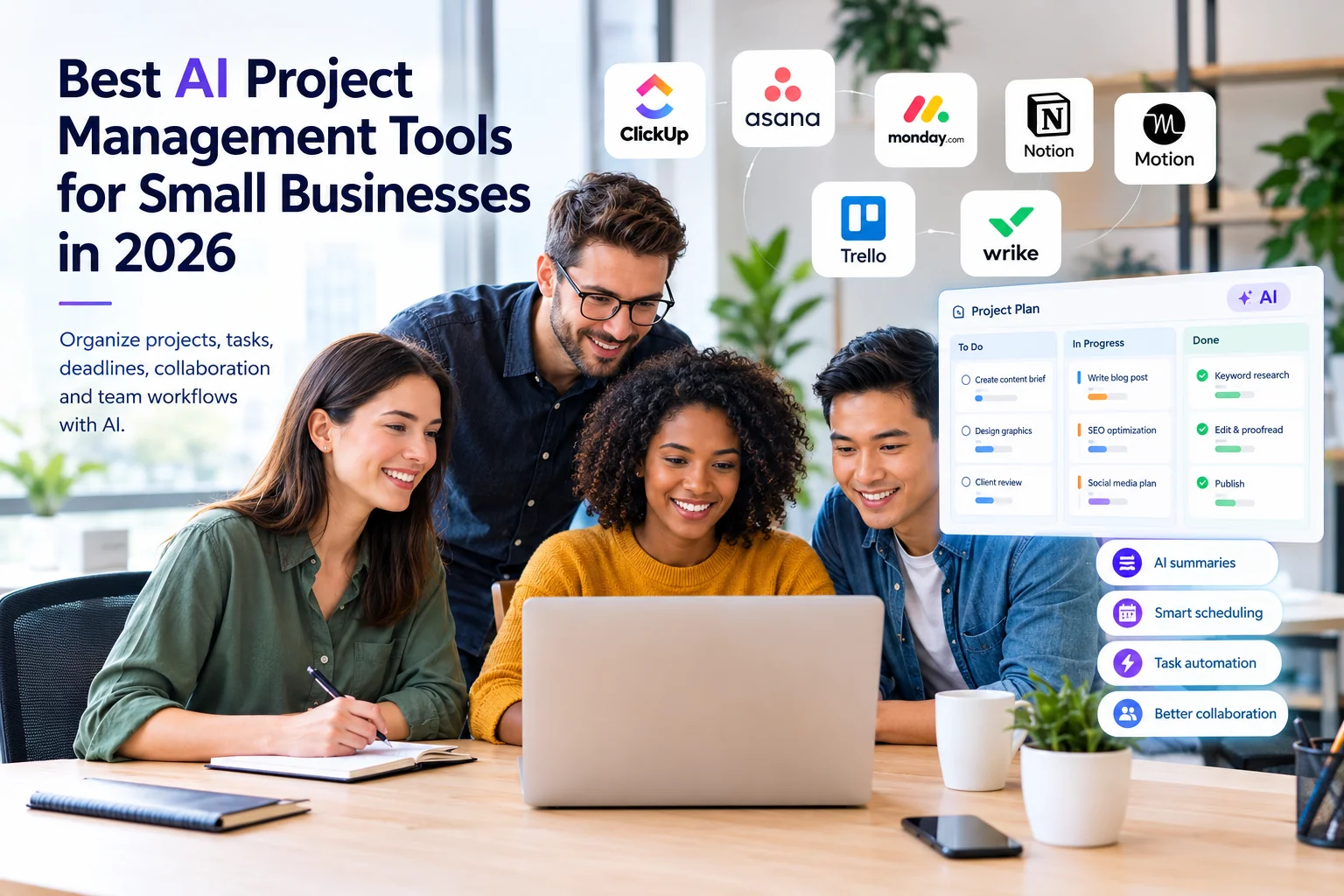
| ClickUp | Project and task management | AI task assistance, summaries, prioritization, and agents | Brain AI from $9/user/month, plus applicable ClickUp plan |
| Microsoft 365 Copilot | Microsoft 365 users | Word, Excel, PowerPoint, Outlook, and Teams assistance | From $18/user/month annually under current offer |
| Google Workspace with Gemini | Google Workspace users | Gmail, Docs, Meet, Sheets, and other Workspace assistance | Workspace plans from $7/user/month |
| Otter.ai | Meetings | Transcription, summaries, and action items | Pro from $8.49/user/month annually |
| Grammarly | Writing and communication | Editing, rewriting, tone, and AI writing assistance | Pro from $12/member/month annually |
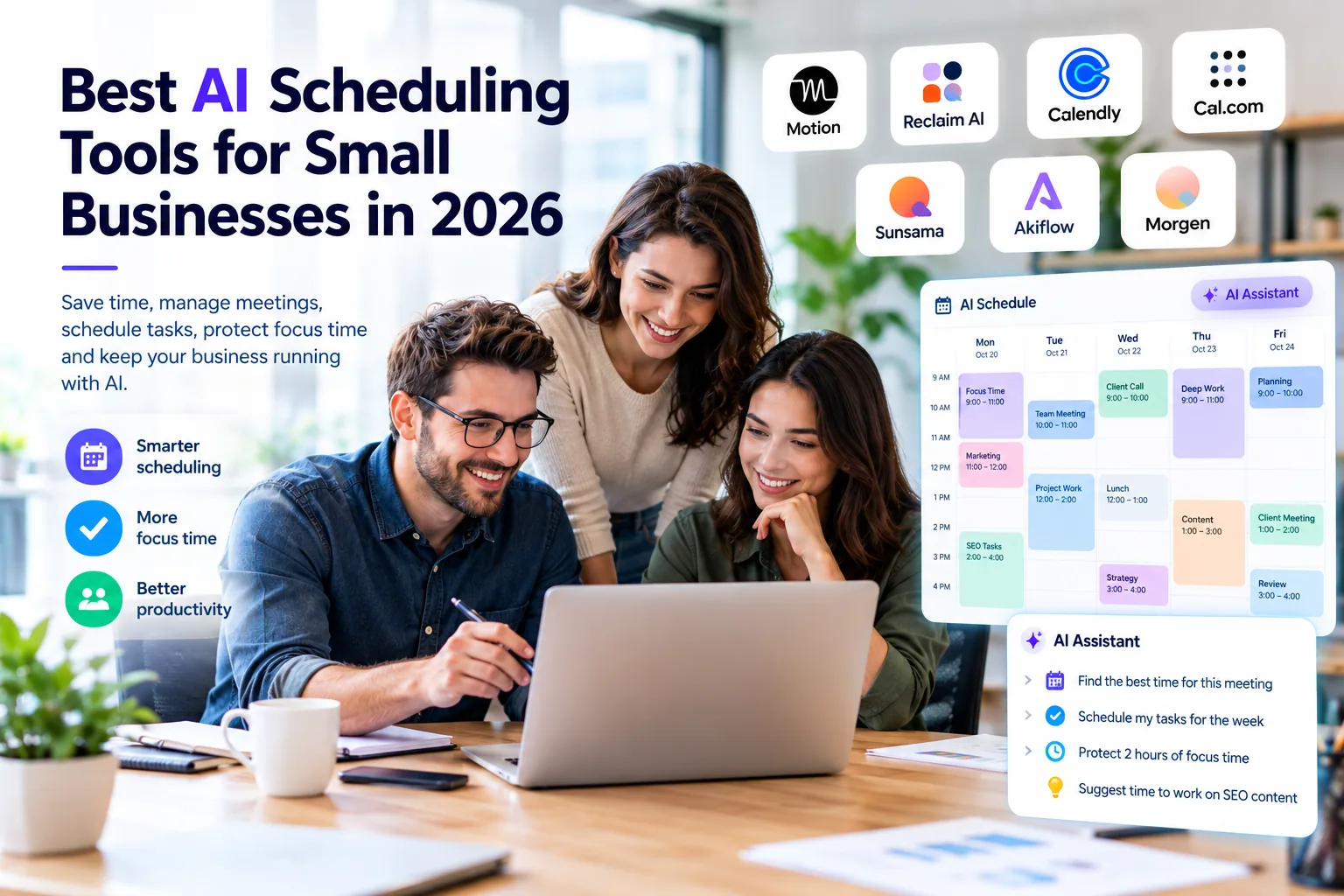
| Motion | Scheduling and task planning | AI scheduling, projects, tasks, and calendar management | Pro AI from $19/seat/month |
Quick answer: There is no single best AI productivity tool for every small business. ChatGPT is a strong general-purpose option, Notion AI is useful for knowledge management, ClickUp is designed around tasks and projects, Microsoft 365 Copilot and Google Workspace with Gemini work particularly well inside their respective ecosystems, Otter.ai focuses on meetings, Grammarly focuses on communication, and Motion focuses on scheduling and task planning.
What Are AI Productivity Tools?
AI productivity tools are software applications that use artificial intelligence to help people complete business tasks more efficiently. Depending on the platform, they can generate and edit text, summarize information, analyze data, organize tasks, search internal knowledge, transcribe meetings, or help manage schedules.
Unlike traditional productivity software, AI productivity tools can interpret natural-language instructions and generate useful outputs based on context. This allows business owners and employees to interact with software using everyday language rather than relying entirely on menus, forms, and manual processes.
How AI Productivity Tools Work
Many modern AI productivity applications use large language models and other machine-learning systems to understand instructions, analyze information, and generate responses.
For example, instead of manually reading a long meeting transcript, a user can ask an AI meeting assistant to summarize the discussion, identify decisions, and create a list of action items.
Some business platforms go further by connecting AI with calendars, documents, project management systems, email, CRM data, and other applications. The exact capabilities depend on the product and plan.
AI Productivity Tools vs Traditional Productivity Software
Traditional productivity software usually requires users to perform most actions manually. A standard calendar requires you to create and move appointments, while a traditional document editor records the content you enter.
AI-enabled software can assist with the cognitive part of the work. An AI scheduling tool may help organize tasks around meetings, while an AI document assistant can create a first draft from a short description.
AI Productivity Tools vs General AI Assistants
General AI assistants such as ChatGPT and Claude are designed to handle a wide range of tasks. Specialized AI productivity tools are often built directly into workplace software such as project management platforms, email systems, document tools, and meeting applications.
The difference is mainly about workflow and context. A general AI assistant may require you to provide information manually, while an integrated productivity platform may already have access to the relevant workspace information, subject to the product’s permissions and privacy controls.
If you are new to AI tools, read our guide: What Are AI Tools for Small Businesses? A Beginner’s Guide.
What Can AI Productivity Tools Do for Small Businesses?
Task and Project Management
AI can help break projects into smaller tasks, generate task descriptions, summarize project activity, identify priorities, and create status updates. This can reduce the amount of manual administrative work required to keep project systems updated.
Email and Communication
AI assistants can summarize long email threads, suggest replies, rewrite messages, adjust tone, and help users process large amounts of written communication.
Meeting Notes and Summaries
AI meeting assistants can transcribe conversations, identify important discussion points, summarize meetings, and extract action items. This can be particularly useful for sales calls, client meetings, interviews, and internal team meetings.
Scheduling and Time Management
Some AI productivity platforms analyze tasks, deadlines, meetings, and available time to help create a practical schedule. This can reduce the amount of manual calendar planning required.
Research and Information Management
AI can summarize documents, organize research, answer questions about information, and help employees find useful information more quickly.
Document Creation
Businesses can use AI to create first drafts of proposals, reports, standard operating procedures, emails, marketing briefs, meeting agendas, and other documents.
Knowledge Management
AI-powered knowledge systems can help teams search internal documentation using natural-language questions. This can make information stored across documents, wikis, and databases easier to find.
Content and Writing
AI writing features can help create first drafts, rewrite content, improve clarity, adjust tone, summarize information, and repurpose existing content for different channels.
Workflow Management
Some productivity platforms connect multiple applications and use AI to help move information between different stages of a workflow. More advanced workflow automation is covered separately in our guide to Best AI Automation Tools for Small Businesses in 2026.
Best AI Productivity Tools for Small Businesses in 2026
1. ChatGPT
Best for: General business productivity
Key AI Productivity Features
ChatGPT can assist with writing, research, brainstorming, document analysis, data analysis, summarization, planning, and many other business tasks. Its flexibility makes it useful when a business wants one general-purpose AI assistant rather than a highly specialized application.
Small-Business Use Cases
- Drafting emails and business documents
- Analyzing spreadsheets and business data
- Creating content outlines
- Brainstorming marketing ideas
- Summarizing research
- Creating standard operating procedure drafts
- Repurposing existing content
Pricing
ChatGPT Plus is available from $20 per month for individual users. ChatGPT Business starts at $20 per user per month when billed annually, with monthly billing available at a higher rate. Business plans have a minimum seat requirement.
Limitations
ChatGPT is broad rather than specialized. Businesses may need additional software for dedicated project management, meeting transcription, scheduling, or internal knowledge management.
2. Notion AI
Best for: Knowledge management and collaborative workspaces
Key AI Productivity Features
Notion AI can assist with document drafting, summarization, workspace questions, database-related tasks, and knowledge retrieval. Its value increases when a business already uses Notion to organize documents, projects, procedures, and company information.
Small-Business Use Cases
- Creating and maintaining company wikis
- Summarizing meeting notes
- Creating project documentation
- Organizing marketing calendars
- Finding information across internal documentation
- Drafting internal documents
Pricing
Notion’s Business plan is listed from $20 per member per month. AI capabilities are integrated into applicable paid plans, while exact AI access and limits can vary by plan and account.
Limitations
Notion AI is most useful when important business information already lives inside Notion. Businesses using another platform as their primary knowledge system may not get the same benefit.
3. ClickUp
Best for: Project and task management
Key AI Productivity Features
ClickUp’s AI capabilities can assist with task creation, project summaries, writing, prioritization, project information retrieval, and other project-management activities.
Small-Business Use Cases
- Creating task descriptions
- Breaking projects into subtasks
- Summarizing project activity
- Creating status updates
- Finding information across projects
- Drafting internal communications
Pricing
ClickUp Brain AI is displayed from $9 per user per month, with applicable ClickUp plans required. Pricing and AI packaging can change, so check the current plan before purchasing.
Limitations
ClickUp has a broad feature set, which can create a learning curve for small teams. AI-generated project information is also only as useful as the underlying project data.
4. Microsoft 365 Copilot
Best for: Small businesses already using Microsoft 365
Key AI Productivity Features
Microsoft 365 Copilot integrates AI assistance into applications such as Word, Excel, PowerPoint, Outlook, and Teams. Depending on the plan and permissions, it can help draft documents, analyze information, summarize communications, and support meeting workflows.
Small-Business Use Cases
- Drafting documents in Word
- Analyzing business information in Excel
- Creating presentation content
- Summarizing Teams meetings
- Drafting Outlook emails
- Organizing information across Microsoft 365
Pricing
Microsoft currently lists Copilot Business from $18 per user per month when paid annually under its current offer. Eligibility, promotional pricing, and required Microsoft 365 licensing can vary.
Limitations
Copilot makes the most sense when a business already relies heavily on Microsoft 365. Businesses should also review permissions and data governance because AI features can surface information that users already have access to.
5. Google Workspace with Gemini
Best for: Businesses already using Google Workspace
Key AI Productivity Features
Google Workspace plans with Gemini provide AI assistance across applications such as Gmail, Docs, Meet, and other Workspace services, depending on the plan.
Small-Business Use Cases
- Drafting and rewriting Gmail messages
- Creating documents in Google Docs
- Summarizing information
- Supporting meeting workflows in Google Meet
- Working with information in Google Workspace
- Helping organize business documents
Pricing
Google Workspace plans start from around $7 per user per month, with higher tiers providing broader Gemini capabilities. Promotions and exact AI availability can change, so verify the current Workspace plan before purchasing.
Limitations
Google Workspace with Gemini is particularly attractive for companies already operating in Google’s ecosystem. Businesses using a mixed technology stack may prefer a more platform-neutral AI solution for some workflows.
6. Otter.ai
Best for: Meetings, transcription, and action items
Key AI Productivity Features
Otter.ai focuses on meeting transcription, summaries, speaker identification, and extracting useful information from conversations. It can connect with common meeting platforms and turn conversations into searchable business records.
Small-Business Use Cases
- Client discovery calls
- Sales meetings
- Internal team meetings
- Interview transcription
- Meeting summaries
- Action-item tracking
Pricing
Otter offers a free Basic plan. Its Pro plan is listed from $8.49 per user per month when billed annually. Usage limits vary by plan.
Limitations
Meeting transcription tools have usage limits, and businesses should review recording, transcription, language, and privacy requirements before using them for sensitive conversations.
7. Grammarly
Best for: Business writing and communication
Key AI Productivity Features
Grammarly provides grammar checking, rewriting, tone suggestions, AI writing assistance, and other communication features. It can be useful for teams that produce a large amount of customer-facing or internal written communication.
Small-Business Use Cases
- Customer emails
- Sales communication
- Blog editing
- Marketing copy
- Internal business communication
- Rewriting and proofreading
Pricing
Grammarly Pro is listed from $12 per member per month when billed annually. A free plan is also available with more limited functionality.
Limitations
Grammarly is primarily focused on writing and communication. It is not a replacement for dedicated project management, scheduling, meeting, or business intelligence platforms.
8. Motion
Best for: Scheduling, task planning, and time management
Key AI Productivity Features
Motion combines calendar management, projects, tasks, and AI-assisted planning. Its workflow is designed to help users organize tasks around available time and adjust schedules when priorities change.
Small-Business Use Cases
- Daily task planning
- Time blocking
- Protecting focused work time
- Managing deadlines
- Planning project work around meetings
- Adjusting schedules when priorities change
Pricing
Motion’s Pro AI plan is listed from $19 per seat per month. Higher-level business plans are available with additional team capabilities.
Limitations
Motion works best for users who are comfortable allowing software to help organize their schedules. Businesses that prefer completely manual calendar management may find this approach less suitable.
AI Productivity Tools Comparison
| Tool | Best For | Writing | Tasks | Meetings | Scheduling | Starting Price |
|---|---|---|---|---|---|---|
| ChatGPT | General productivity | Strong | Limited | Limited | No | From $20/month |
| Notion AI | Knowledge management | Strong | Strong | Useful | No | From $20/member/month |
| ClickUp | Project management | Strong | Strong | Useful | Strong | Brain from $9/user/month |
| Microsoft 365 Copilot | Microsoft users | Strong | Useful | Strong | Useful | From $18/user/month |
| Google Workspace with Gemini | Google users | Strong | Useful | Strong | Useful | Workspace from $7/user/month |
| Otter.ai | Meetings | Limited | Useful | Strong | No | From $8.49/user/month |
| Grammarly | Writing | Strong | No | No | No | From $12/member/month |
| Motion | Scheduling | Limited | Strong | No | Strong | From $19/seat/month |
Pricing shown is a starting point and may depend on annual billing, plan requirements, promotions, or additional licenses. Always check the vendor’s current pricing before purchasing.
Which AI Productivity Tool Should You Choose?
For Solopreneurs
Solopreneurs usually need flexibility rather than a large collection of specialized tools. ChatGPT is useful for research, writing, analysis, brainstorming, and planning, while Motion can help people who struggle with scheduling and time management.
For Small Marketing Teams
Small marketing teams may benefit from a combination of writing, knowledge management, and project-management capabilities. Notion AI can organize campaigns and documentation, while Grammarly can help maintain consistent written communication.
For Project Management
ClickUp is a strong fit when the primary productivity problem involves tasks, projects, deadlines, assignments, and project communication.
For Meetings
Businesses that spend significant time in meetings can benefit from Otter.ai or the AI meeting capabilities already included in their existing Microsoft or Google ecosystem.
For Email and Communication
Microsoft 365 Copilot is particularly relevant for Microsoft users, while Google Workspace with Gemini is a natural fit for businesses already working primarily in Gmail, Docs, Meet, and other Google services.
For Scheduling
Motion is designed for businesses and individuals who want AI assistance with task planning, calendar management, and changing priorities.
For Knowledge Management
Notion AI is particularly useful when a business wants to organize documents, procedures, notes, project information, and company knowledge inside a centralized workspace.
For General Productivity
If you are unsure where to start, a general-purpose assistant such as ChatGPT can be a practical first step. You can identify the repetitive tasks that consume the most time and then decide whether a specialized productivity platform is necessary.
Best Free AI Productivity Tools for Small Businesses
Small businesses can start using AI productivity tools without immediately committing to a large software budget. However, free plans often have usage limits or fewer advanced features.
- ChatGPT Free: Useful for general writing, brainstorming, research, and everyday AI assistance, subject to usage limits.
- Otter.ai Basic: Provides a free option for occasional meeting transcription with usage limits.
- Grammarly Free: Provides basic writing assistance and limited AI functionality.
Businesses should distinguish between genuinely free plans, free trials, and products where AI is only available as part of a paid plan.
For more free AI options, see our guide: Best Free AI Tools for Small Business Owners in 2026.
AI Productivity Tools vs Traditional Productivity Software
Traditional productivity software digitizes manual processes. AI productivity software adds an intelligence layer that can help users interpret information, generate content, summarize data, and make suggestions.
Examples of Traditional Productivity Software
- Google Calendar
- Microsoft Outlook Calendar
- Basic task lists
- Spreadsheets
- Word processors
- Traditional project-management boards
Examples of AI Productivity Capabilities
- AI-generated summaries
- Intelligent scheduling
- AI task suggestions
- Content generation
- Document analysis
- Meeting summaries
- Natural-language search
- Automated organization
Many modern platforms now combine both approaches. A project-management application may provide traditional task boards while its AI layer summarizes projects, creates tasks, or answers questions about project information.
How AI Productivity Tools Can Save Time for Small Businesses
Reduce Repetitive Work
AI can assist with repetitive tasks such as summarizing information, drafting messages, organizing notes, and creating first versions of documents.
Reduce Administrative Work
Business owners and employees often spend significant time preparing meeting agendas, writing follow-up emails, formatting reports, and organizing information. AI can accelerate many of these activities.
Improve Information Management
Natural-language search and AI summaries can make it easier to locate information across documents and business systems.
Speed Up Content and Communication
AI can help businesses move from a blank page to a useful first draft more quickly. Human review is still important for accuracy, brand voice, and business context.
Improve Task Organization
AI scheduling and project-management tools can help organize deadlines, priorities, tasks, and dependencies so employees spend less time deciding what to work on next.
10 AI Productivity Workflows for Small Businesses
1. Meeting-to-Task Workflow
- Input: A client meeting ends.
- AI task: The meeting assistant transcribes and summarizes the conversation.
- Human review: The project manager checks the action items.
- Output: Confirmed tasks are added to the project-management system.
2. Email-to-Task Workflow
- Input: A customer sends an urgent request.
- AI task: AI summarizes the email thread and drafts a response.
- Human review: The support employee verifies the response.
- Output: The approved response is sent and a task is tracked.
3. Customer Meeting Summary
- Input: A sales or customer meeting finishes.
- AI task: AI summarizes the conversation and identifies next steps.
- Human review: The sales representative checks important details.
- Output: A structured summary is added to the appropriate business system.
4. Content Repurposing
- Input: A blog article is completed.
- AI task: AI converts the article into social posts, email content, or other formats.
- Human review: The marketer checks accuracy and tone.
- Output: Multiple pieces of content are prepared from one source.
5. Weekly Business Planning
- Input: A list of upcoming tasks and deadlines.
- AI task: The scheduling system considers priorities and available time.
- Human review: The business owner adjusts hard deadlines.
- Output: A practical weekly schedule is created.
6. Research and Summary
- Input: A long research report or document.
- AI task: AI creates a concise summary and identifies important points.
- Human review: The user checks important statistics and conclusions against the source.
- Output: A shorter internal briefing is created.
7. Project Status Reports
- Input: Project tasks and updates.
- AI task: AI summarizes completed work, outstanding tasks, and blockers.
- Human review: The project lead adds important context.
- Output: A client or internal status update is prepared.
8. Social Media Planning
- Input: Previous content and business topics.
- AI task: AI generates potential content ideas.
- Human review: The marketer selects and improves the strongest ideas.
- Output: A social content calendar is created.
9. Document Summarization
- Input: A long business document.
- AI task: AI identifies important sections and summarizes the document.
- Human review: The business owner or appropriate professional reviews important details.
- Output: The team gets a faster understanding of the document.
10. Daily Task Planning
- Input: A list of tasks, ideas, and priorities.
- AI task: AI organizes the information into categories and priorities.
- Human review: The user confirms the priorities.
- Output: A cleaner daily task list is ready for execution.
How to Choose an AI Productivity Tool
Identify Your Biggest Productivity Problem
Do not purchase AI software simply because it has AI features. Start by identifying the problem that consumes the most time. It could be meetings, email, project management, scheduling, writing, research, or internal documentation.
Check Existing Software Integrations
The best productivity tool often fits into the software you already use. Check whether it integrates with your email platform, calendar, project-management system, CRM, documents, and other important applications.
Consider Team Size
Per-user pricing can become significant as a business grows. Calculate the actual annual cost rather than looking only at the advertised monthly starting price.
Evaluate the Actual AI Features
Look beyond the word “AI” in the product description. Determine exactly what the AI can do, what information it can access, and which features are included in your plan.
Understand Pricing and Usage Limits
Some products limit AI prompts, transcription minutes, automation usage, storage, or other resources. Review these limits before choosing a tool for business-critical workflows.
Consider Privacy and Data Controls
Review the vendor’s privacy documentation and business data policies before entering confidential information. Commercial and business plans can provide different controls from consumer plans, so do not assume all plans have identical data protections.
Start With One Workflow
Instead of implementing AI across the entire company immediately, choose one workflow. Meeting summaries, email drafting, content repurposing, or task planning can be good starting points. Measure the result before expanding.
Common AI Productivity Mistakes
Buying Too Many AI Tools
Buying separate applications for every small task can create tool fatigue, duplicate functionality, higher costs, and fragmented business information.
Automating the Wrong Tasks
Not every business process should be automated. Highly sensitive communications, important client relationships, and decisions requiring professional judgment may need stronger human involvement.
Ignoring Human Review
AI can produce incorrect information or misunderstand context. Important emails, customer communications, financial information, legal content, and published material should receive appropriate human review.
Not Checking AI-Generated Information
Verify statistics, factual claims, pricing, legal information, and other important statements against authoritative sources before using them professionally.
Creating Complicated Workflows Too Early
Start with a simple workflow. Once your team understands the process and the tool performs reliably, you can gradually introduce more advanced workflows.
Ignoring Data Privacy
Do not automatically upload confidential client information, financial data, proprietary documents, or sensitive business information to an AI service without first understanding its data policies and access controls.
How to Build an AI Productivity Workflow
A simple implementation process can help a small business introduce AI without creating unnecessary complexity.
- Identify repetitive work.
- Select one workflow.
- Choose the appropriate tool.
- Connect the required applications.
- Define the AI task.
- Add human review.
- Test the workflow.
- Measure the result.
- Improve the workflow.
- Expand only after the first workflow works reliably.
AI Productivity for Marketing and SEO
AI productivity tools can support marketing and SEO teams by helping organize research, content briefs, editorial calendars, content repurposing, reporting, and documentation.
For example, a marketing team can use AI to turn an existing article into social media ideas, email content, or a content brief for another article. It can also help organize keyword research and summarize competitor information.
AI productivity tools can support Answer Engine Optimization (AEO) and Generative Engine Optimization (GEO) workflows by helping marketers structure information clearly and prepare content for multiple search and discovery environments.
However, using AI productivity software does not automatically improve Google rankings or guarantee visibility in AI-generated answers. SEO still requires technical optimization, useful content, appropriate internal linking, authority, original expertise, and ongoing analysis.
For dedicated search optimization software, see our guide to Best AI SEO Tools for Small Businesses in 2026.
AI Productivity vs AI Automation
AI productivity and AI automation are related but different concepts.
AI Productivity
AI productivity tools help a person complete work faster and usually require human initiation or oversight.
Example: “Summarize this customer meeting.”
AI Automation
AI automation connects systems and performs actions based on triggers or predefined workflows with less manual intervention.
Example: “When a customer meeting ends, summarize it, create follow-up tasks, and notify the team.”
If you want to explore workflow automation, see our guide to Best AI Automation Tools for Small Businesses in 2026.
Are AI Productivity Tools Worth It for Small Businesses?
AI productivity tools can be worthwhile when they solve a real business problem and reduce enough manual work to justify their cost.
The biggest potential benefits include faster communication, easier information management, reduced administrative work, better task organization, and faster content production.
However, AI software is not automatically a good investment. A business with a simple workflow may not need several paid AI applications. The cost of multiple per-user subscriptions can also increase quickly as a team grows.
The best approach is to identify a specific productivity bottleneck, test one suitable tool, measure the result, and expand only when the improvement justifies the additional cost.
How We Evaluated AI Productivity Tools
We evaluated these AI productivity tools based on factors that matter to small businesses, including core AI capabilities, practical productivity use cases, pricing, free options, usage limits, integrations, ease of use, team functionality, privacy considerations, limitations, and overall suitability for small-business workflows.
We do not treat one product as a universal winner because different businesses have different productivity requirements.
Frequently Asked Questions
What are the best AI productivity tools for small businesses?
The best AI productivity tool depends on the business problem. ChatGPT is useful for general-purpose work, ClickUp for project management, Notion AI for knowledge management, Microsoft 365 Copilot for Microsoft users, Google Workspace with Gemini for Google users, Otter.ai for meetings, Grammarly for writing, and Motion for scheduling.
What is the best free AI productivity tool?
For general-purpose AI assistance, ChatGPT’s free plan is a practical starting point. Otter.ai and Grammarly also offer free options for specific use cases, although free plans have usage or feature limitations.
Can AI productivity tools save small businesses time?
Yes. AI productivity tools can reduce the time spent on repetitive work such as summarizing meetings, drafting emails, organizing information, creating first drafts, and planning tasks. The actual time savings depend on the workflow and how effectively the business implements the tool.
Can AI productivity tools replace employees?
AI productivity tools are primarily designed to assist people and reduce manual work. They can help small teams handle more work, but human judgment remains important for strategy, quality control, customer relationships, and complex decisions.
Are AI productivity tools safe for business data?
Safety depends on the specific vendor, plan, settings, permissions, and type of data involved. Businesses should review the provider’s privacy documentation and business-data policies before using AI with confidential information.
Can AI productivity tools help with SEO?
Yes. They can help organize keyword research, create content briefs, summarize research, repurpose content, manage editorial workflows, and prepare reports. However, AI productivity tools do not guarantee higher search rankings and should support rather than replace SEO strategy.
What is the difference between AI productivity and AI automation?
AI productivity helps a person complete a task faster, such as summarizing a meeting. AI automation connects systems and performs a sequence of actions automatically, such as sending meeting information to a CRM and creating follow-up tasks.
Should a small business use multiple AI productivity tools?
Not necessarily. Small businesses should avoid buying multiple tools that perform the same job. It is often better to start with one or two well-integrated platforms and add another tool only when it solves a specific problem that the existing stack cannot handle efficiently.
Final Thoughts
There is no single universal best AI productivity tool for every small business. The right choice depends on your business size, existing software stack, primary productivity problem, budget, team workflow, and AI requirements.
If meetings consume too much time, an AI meeting assistant may deliver the most value. If projects are becoming difficult to manage, an AI-powered project-management platform may be more useful. If email and document work dominate the day, an AI assistant integrated into Microsoft 365 or Google Workspace may be a better fit.
The most effective approach is to start small: identify one repetitive or time-consuming workflow, choose the appropriate AI productivity tool, keep human review in the process, and measure whether it actually improves the way your business works.
For a broader starting point, explore our Best AI Marketing Tools for Small Businesses in 2026.
The goal isn’t to use more AI.
The goal is to use the right AI tools to make useful business work easier, faster, and more organized.